
How to use your voucher
1. Choose a salon
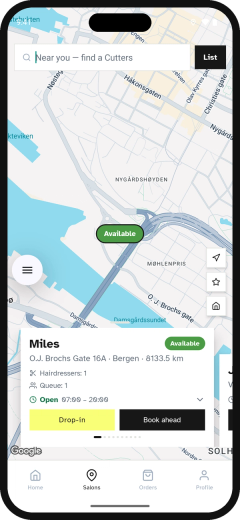
Find a salon on the map or in the list and tap Drop-in.
2. Your voucher is applied
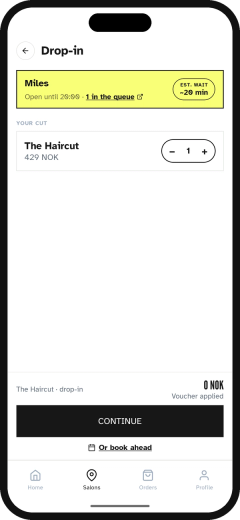
Your voucher is used automatically. The price shows 0 NOK - Voucher applied. Tap Continue.
3. Add products (optional)
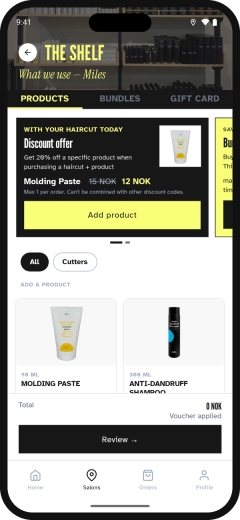
Add a product if you like, then tap Review.
4. Confirm and tap pay
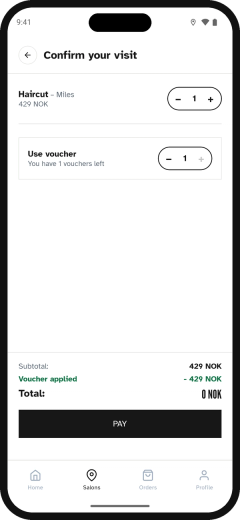
Check your visit and tap Pay. The voucher is subtracted and the total is 0 NOK. Don't want to use the voucher now? Set Use voucher to 0.
5. You're in the queue
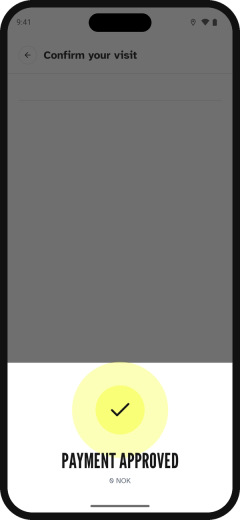
Payment approved - your booking is confirmed.
FAQ
- Voucher is not present as a payment method.
- Can I give away my voucher?
- How long is the voucher valid?
- What if I have multiple vouchers?